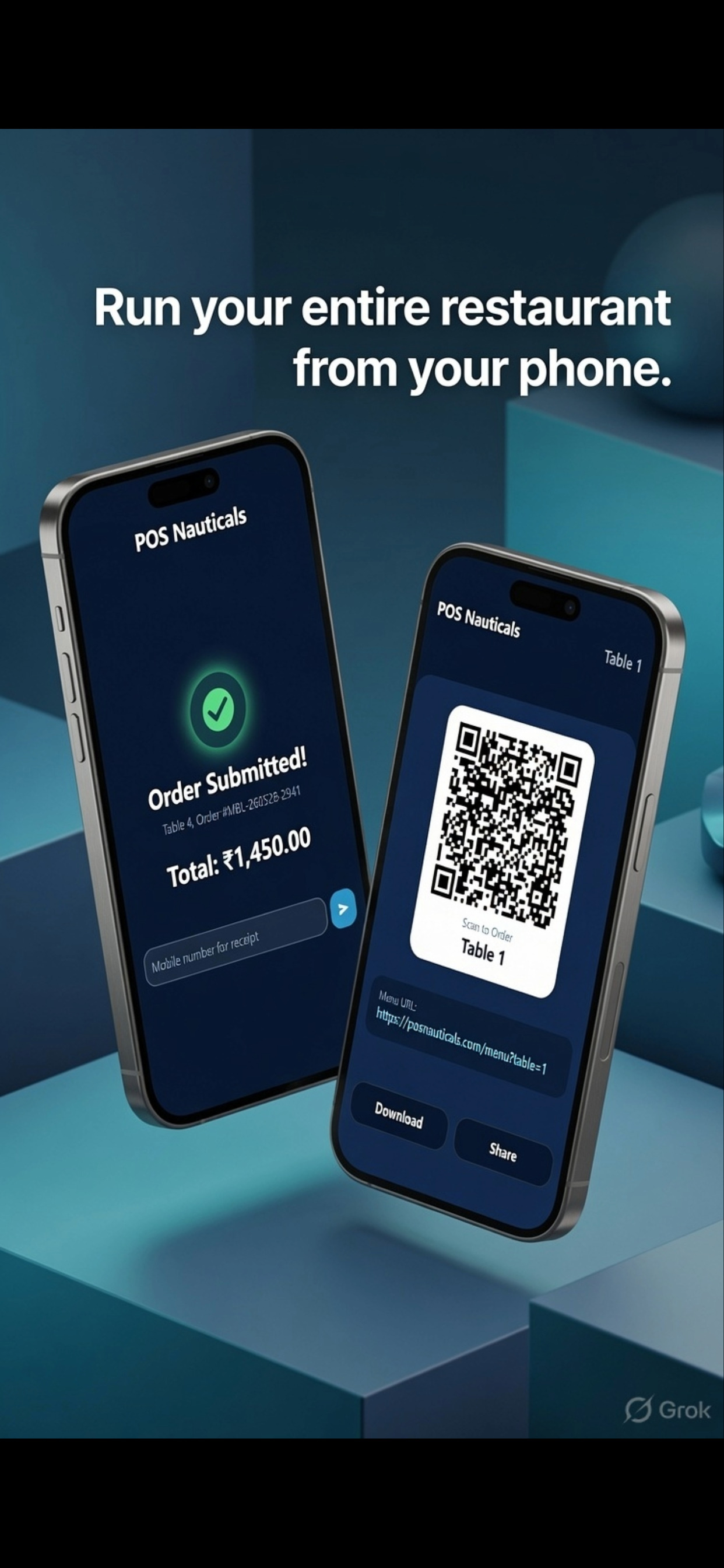
Busy counters, changing menus, and scattered data slow down good stores.
Most growing cafes and quick-service restaurants do not fail because the food is weak. They struggle because ordering, kitchen communication, menu updates, billing, inventory, and customer data sit in separate places. A price change is updated on a printed menu but not at the counter. A bestseller runs out, but staff still accepts orders. Payments happen, but the owner only sees the real pattern at closing time.
NHY is designed for this audience: owners who are already busy, already selling, and now need a clean operating system that can run from phone, browser, kiosk, and POS terminal.
A table order becomes a live business signal.
Imagine four friends sitting at table 12. They scan a Nautical QR, open the current menu, add items with variants and add-ons, pay with UPI or card, and watch the order status move from accepted to preparing to served. At the same time, the kitchen gets the ticket, the owner dashboard records demand, and inventory can be adjusted around what actually sold.
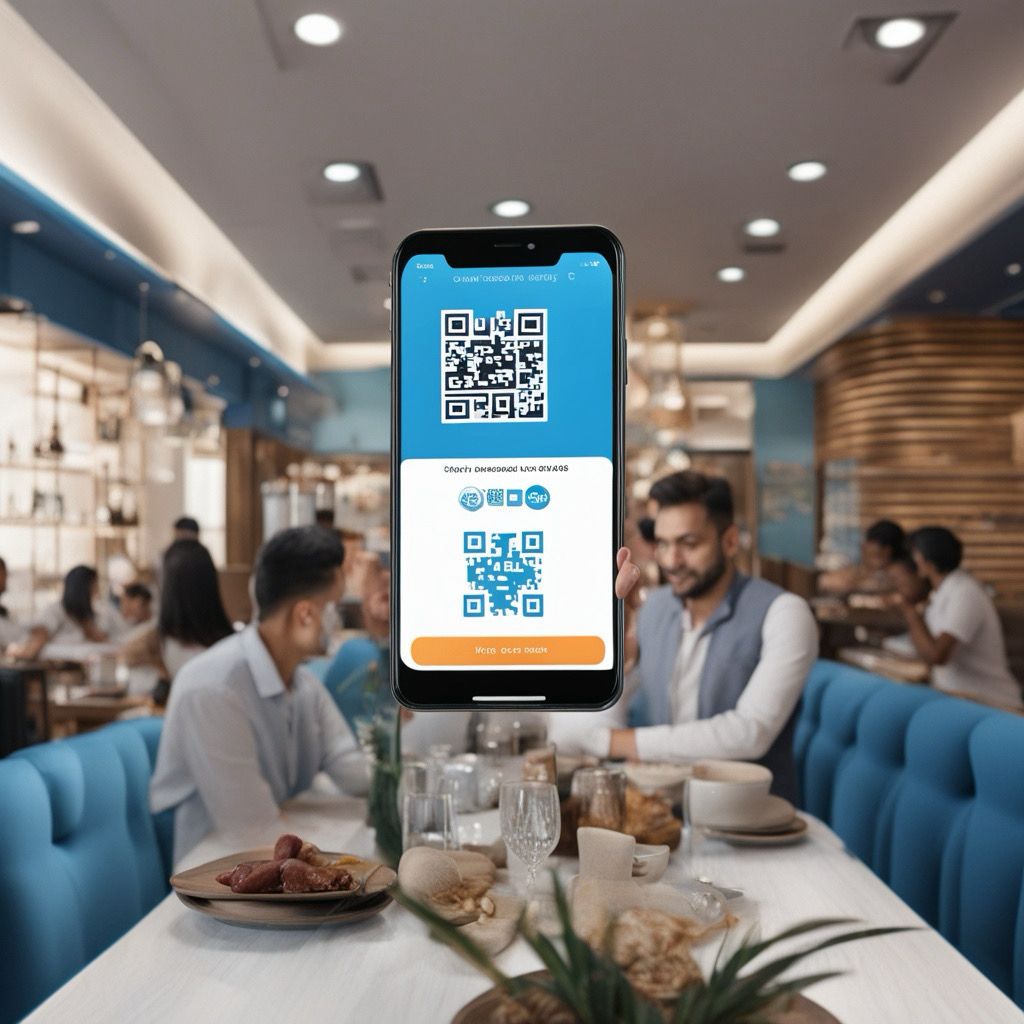
Scan and detect table context
The guest opens the correct store, table, service mode, and catalog without waiting for staff.
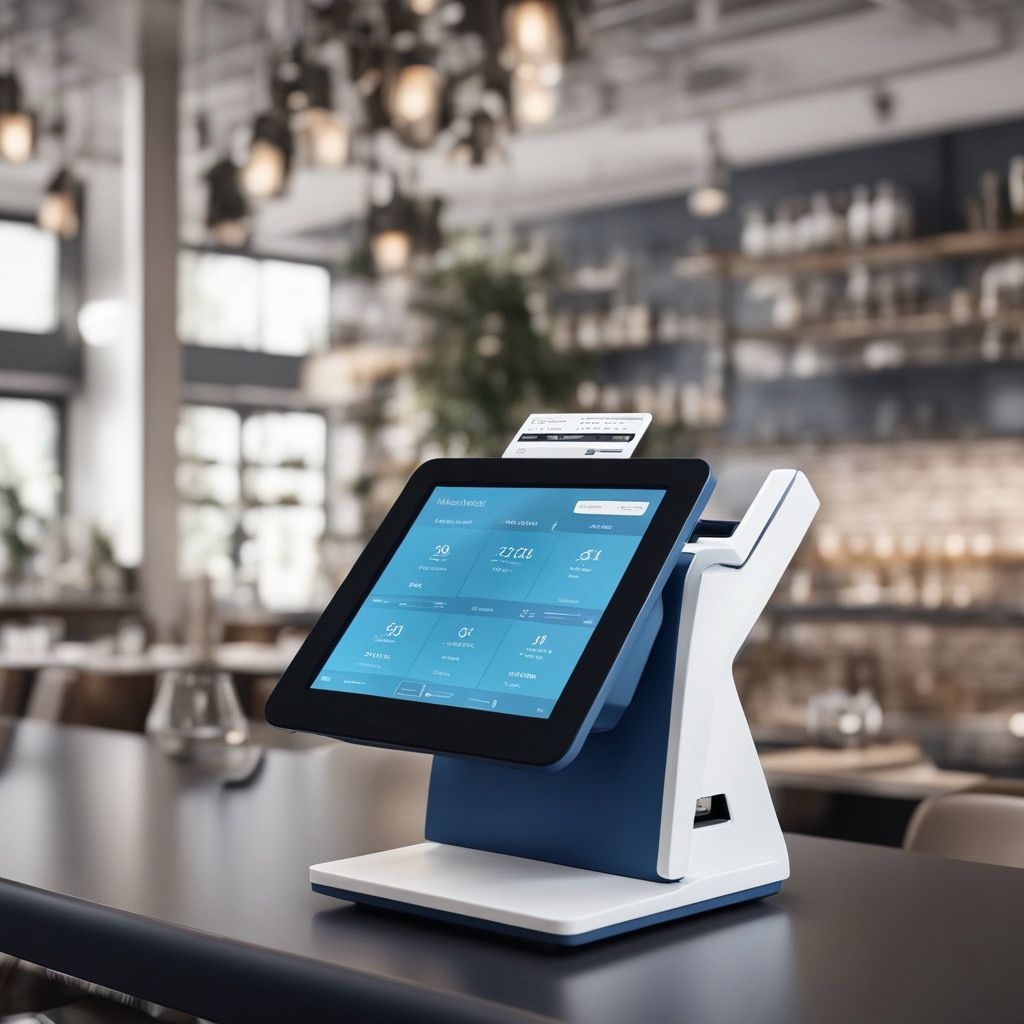
Browse a live menu
Photos, prices, add-ons, availability, tags, and recommended items stay aligned with the owner menu builder.
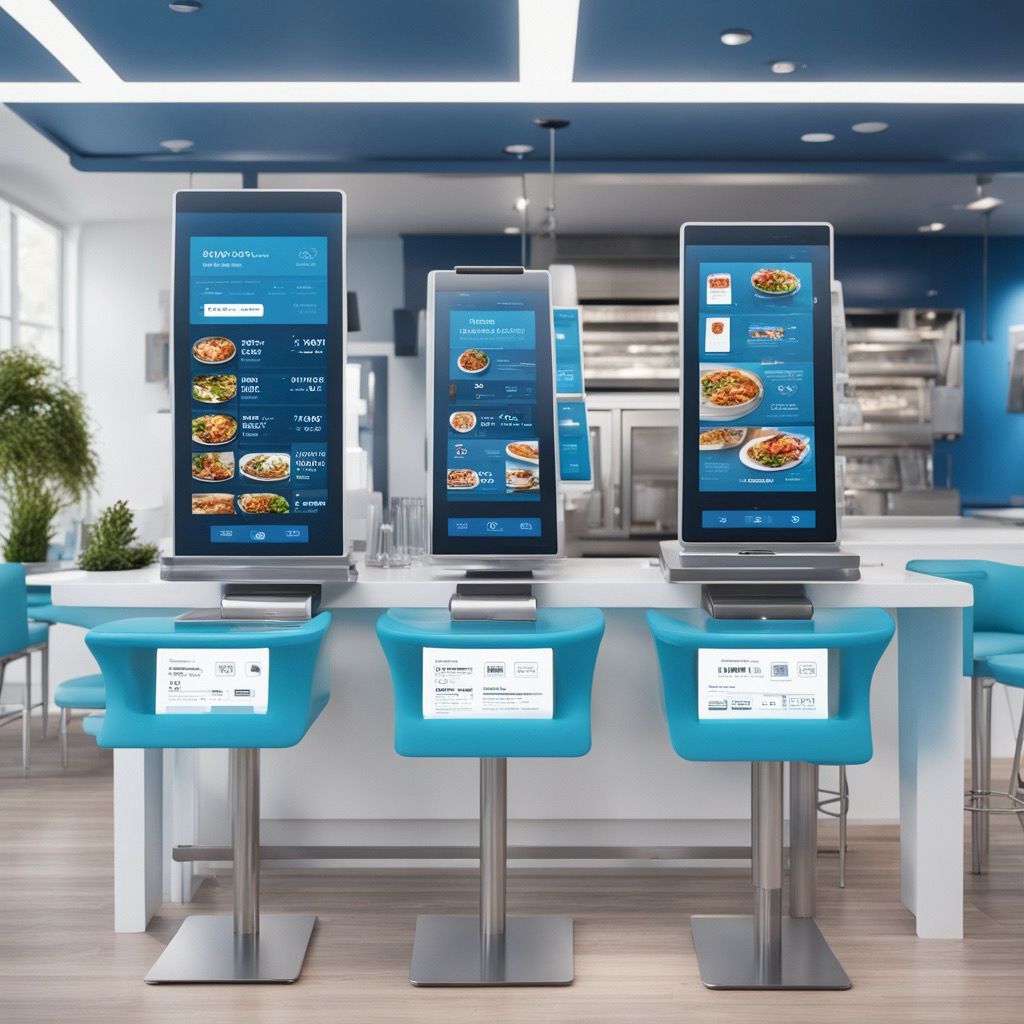
Route paid orders to kitchen
Kitchen staff receive structured tickets with item notes and table details, reducing counter calls and handwritten confusion.
The data layer is where the owner wins.
The NHY data app view is useful because every order becomes structured data. Owners can see which categories move, which items convert, when rush hours happen, and whether staff need to update stock or pricing before customers complain.
A visual demo sequence for the full ordering loop.
This animated preview shows the kind of flow a real product video can highlight: customer QR scan, menu selection, checkout, kitchen ticket, and owner analytics. It uses existing Nautical visuals so the blog stays lightweight while still feeling alive.
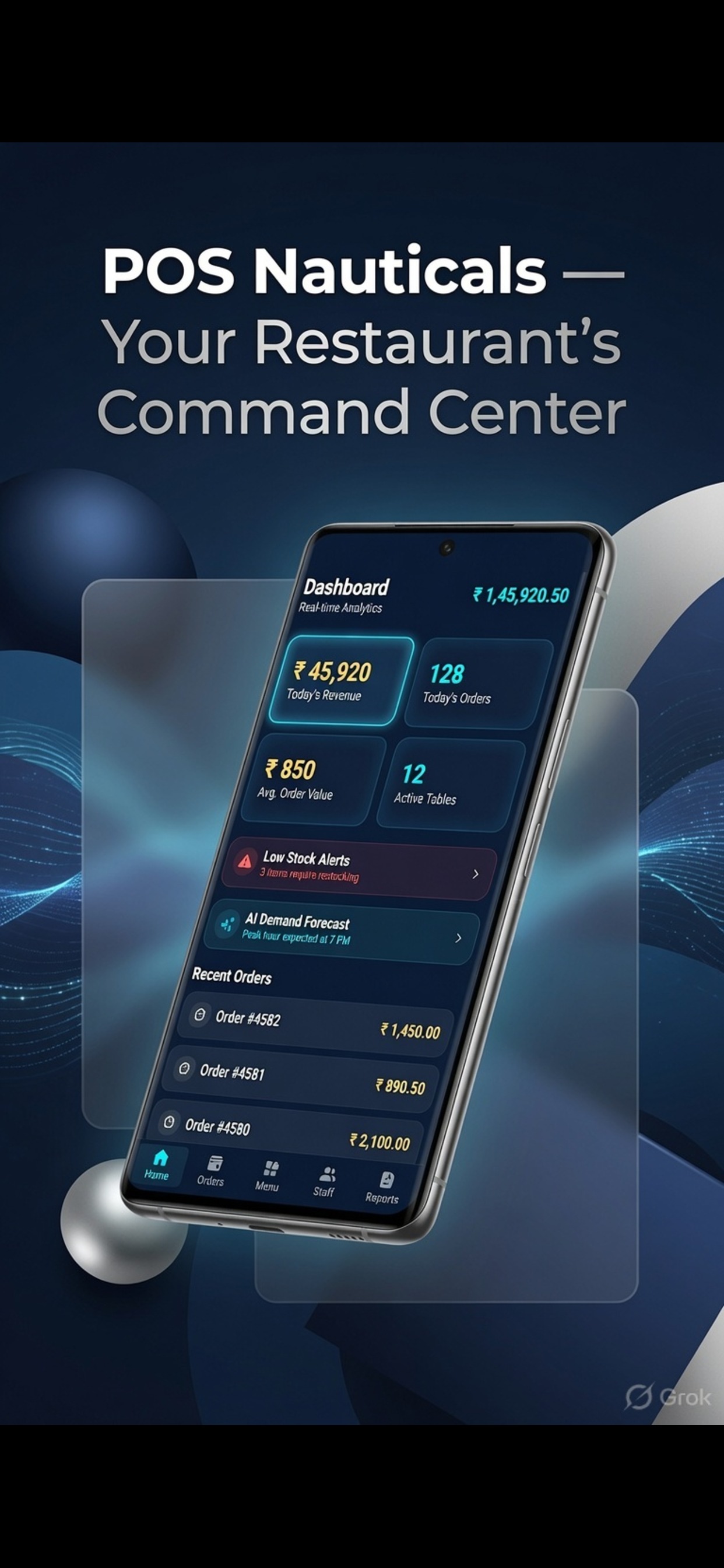
Not just QR ordering. A complete control room for daily operations.
The best version of NHY is not a single screen. It is the connection between customer ordering, counter billing, kitchen display, catalog management, inventory, subscriptions, and analytics. That connection lets an owner change the menu once and trust the store experience to follow.
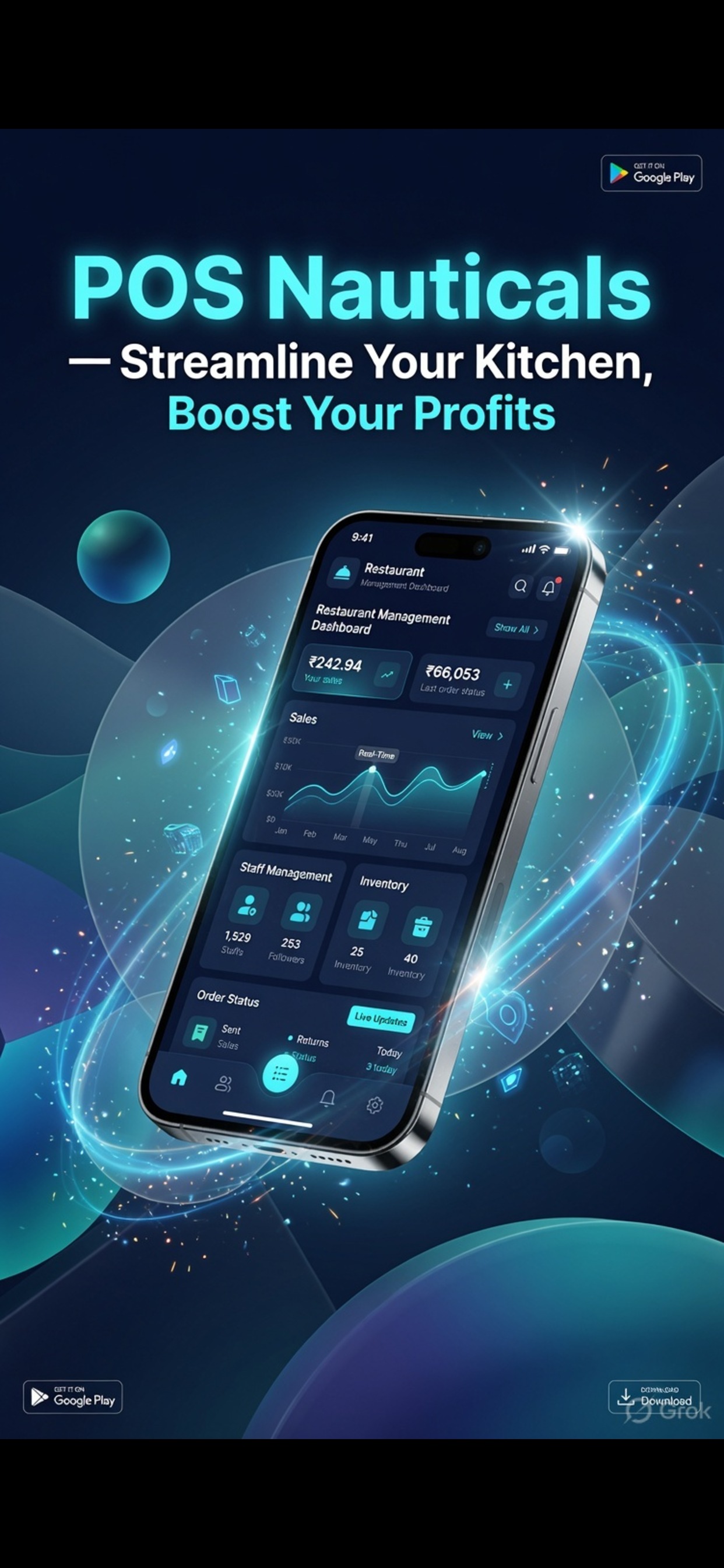
For operators, the goal is not more software. It is fewer blind spots.
NHY is aimed at business owners who want a modern ordering experience without losing control of operations. Customers get a fast, clean ordering journey. Staff get structured tickets. Owners get data they can act on before the day is over.